
Digital stickers have quietly turned into one of the easiest and most profitable digital products you can create today. From aesthetic planner elements to WhatsApp sticker packs, they’re being used by millions of people every single day—and many creators are earning consistent passive income from them.
What makes this opportunity so appealing is how simple it is to get started. You don’t need to be a professional designer, you don’t need expensive tools, and you definitely don’t need inventory. If you can create basic designs and understand what people want, you can build a sticker business that actually sells.
In this guide, you’ll learn how to create digital stickers from scratch, make them look professional, and sell them in a way that stands out in a crowded market.
What Are Digital Stickers?
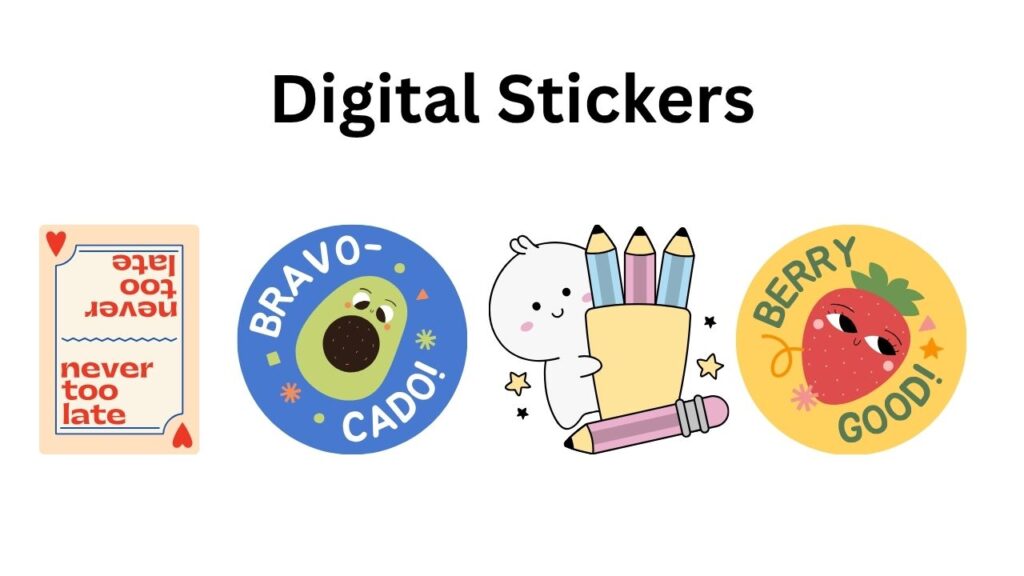
Digital stickers are essentially image files—usually PNGs with transparent backgrounds—that people use digitally instead of printing. They’re commonly used in apps like GoodNotes, Notability, WhatsApp, and iMessage, as well as for printable sticker sheets.
Unlike physical stickers, there’s no shipping or manufacturing involved. Customers simply download the files instantly after purchase, which is what makes this such a scalable business model.
Why Digital Stickers Are a Smart Side Hustle
One of the biggest advantages of selling digital stickers is how low the barrier to entry is. You can start with free tools and basic skills, yet still create something people are willing to pay for.
There are a few key reasons why this business model works so well:
- Low startup cost – You can begin with just a free design tool
- No inventory or shipping – Everything is delivered digitally
- Passive income potential – One design can be sold repeatedly
- Easy to scale – More designs = more earning opportunities
Because of this, digital stickers are ideal for students, beginners, or anyone looking to build an online income stream without taking big risks.
Tools You Need to Get Started
You don’t need fancy software to begin, which is great news if you’re just starting out. Many successful sellers actually begin with very simple tools and upgrade later.
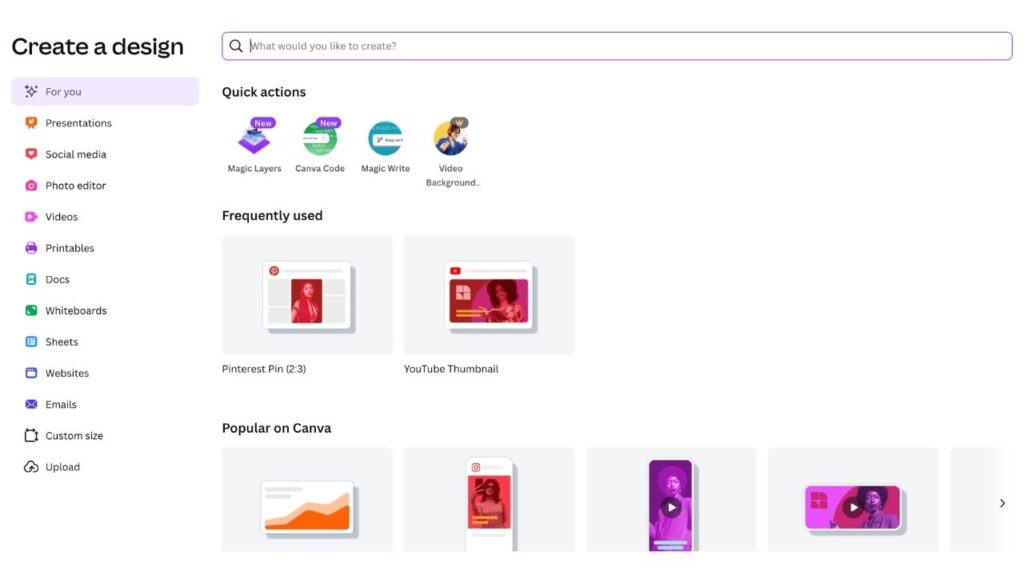
If you’re a beginner, tools like Canva are more than enough. They allow you to create clean, attractive designs using drag-and-drop elements. If you’re more advanced or want more control, you can explore software like Photoshop, Illustrator, or Procreate.
In terms of hardware, a tablet can make drawing easier, but it’s not required. Many sticker packs—especially text-based or minimal designs—are created using just a laptop and a mouse.
The most important technical detail to understand is file format. Your stickers should be exported as PNG files with transparent backgrounds. If you’re selling multiple stickers, you’ll usually bundle them into a ZIP file for easy download.
How to Come Up with Sticker Ideas That Actually Sell
This is where most people get stuck—and where most beginners make mistakes.
The key is to stop thinking like a designer and start thinking like a buyer. Instead of asking, “What do I want to create?”, ask, “What are people already searching for?”
You can find great ideas by exploring platforms like Pinterest, Etsy, and TikTok. Look at trending searches, bestselling products, and viral content in the sticker niche.
Some categories consistently perform well:
- Productivity and planner stickers
- Aesthetic quotes and affirmations
- Cute or kawaii-style designs
- Business and social media-related stickers
The best-selling stickers usually do one of two things: they solve a small problem (like organizing a planner) or they enhance an experience (making something look more aesthetic or fun).
Step-by-Step: Creating Your First Digital Sticker Pack
Once you have an idea, the creation process is actually quite straightforward.
Start by choosing a clear niche. Avoid being too broad, because specific audiences are much easier to sell to. For example, instead of “stickers for everyone,” you could create stickers specifically for students, fitness tracking, or small business owners.
Next, create your designs. These can be simple illustrations, icons, or text-based elements. You don’t need complex artwork—clean, minimal designs often perform better because they’re more versatile.
When your designs are ready, export them as high-resolution PNG files with transparent backgrounds. This ensures they look crisp and can be used across different apps.
Finally, organize your stickers into a bundle. Give your files clear names and package them into a ZIP folder so customers can easily download everything at once.
Making Your Stickers Look Professional
Even simple designs can look premium if you pay attention to detail.
Consistency is one of the most important factors. Use a limited color palette, stick to a specific style, and make sure all elements feel like they belong together. This creates a cohesive product that feels intentional rather than random.
Small design choices also make a big difference. Adding subtle outlines or shadows can help stickers stand out on different backgrounds. Choosing readable fonts ensures your designs are functional, not just decorative.
When your stickers look polished, customers are far more likely to trust your product—and buy it.
Where to Sell Your Digital Stickers
Once your stickers are ready, the next step is choosing where to sell them.
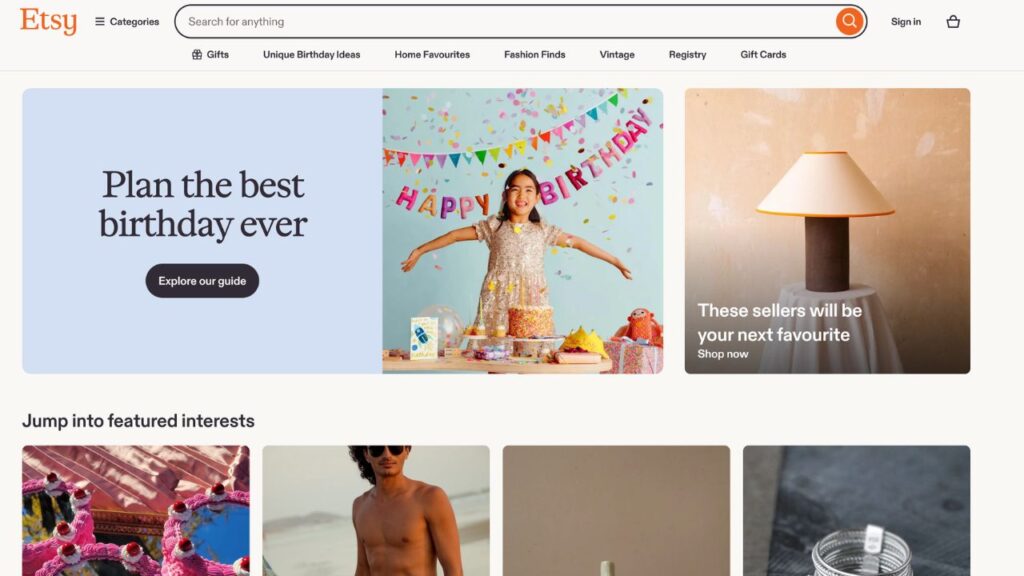
Etsy is often the best starting point because it already has a large audience actively searching for digital products. Platforms like Gumroad are simpler and give you more control, while Shopify is ideal if you want to build a full brand over time.
If you’re just beginning, it’s usually smart to start with one platform, learn how it works, and expand later.
Pricing Your Stickers the Right Way
Pricing is less about guessing and more about positioning.
Take some time to research similar products in your niche and see how they’re priced. This gives you a realistic range to work within.
You can sell individual sticker packs at a lower price, while bundles can be priced higher because they offer more value. Many successful sellers focus on bundles because they increase the average order value.
It’s also important not to underprice too much. While it might seem like a good strategy to attract buyers, very low prices can make your product look less valuable.
Creating Listings That Convert
A great product won’t sell if your listing doesn’t communicate its value.
Your thumbnail is the first thing people see, so it needs to be clear, visually appealing, and easy to understand. Showing your stickers in use—such as inside a digital planner—can help buyers immediately see the benefit.
Your title and tags should include relevant keywords, like “digital planner stickers” or “aesthetic sticker pack,” so your product can be found through search.
In your description, focus on clarity. Explain what’s included, how the files are delivered, and how customers can use them. Keep it simple, but make sure all important details are covered.
Marketing Your Digital Stickers
Uploading your stickers is only half the work. To really grow your sales, you need to actively promote them.
Pinterest is one of the best platforms for long-term traffic, especially for aesthetic and planner-related content. TikTok and Instagram Reels are powerful for reaching new audiences quickly, especially if you share short videos of your design process.
The goal isn’t just to promote a product—it’s to create content that attracts the right audience.
Common Mistakes to Avoid
Many beginners struggle not because the opportunity doesn’t work, but because of a few avoidable mistakes.
Some of the most common ones include copying designs too closely, using low-quality files, or ignoring branding altogether. Another frequent issue is inconsistent design style, which makes products look less professional.
By avoiding these mistakes, you immediately put yourself ahead of a large portion of new sellers.
Scaling Your Sticker Business
Once you start making sales, the real opportunity begins.
You can expand by creating more collections, launching themed bundles, or even designing complementary products like digital planners and templates. Over time, this allows you to build a recognizable brand instead of just selling individual items.
As your product range grows, so does your earning potential.
Final Thoughts
Digital stickers are one of the simplest ways to start earning online, but success doesn’t come from just uploading random designs. It comes from understanding what people want, creating products that solve small problems, and presenting them in a way that feels professional and trustworthy.
You don’t need to be perfect to begin. You just need to start.
Create your first sticker pack, put it out there, and learn as you go. That’s how small side hustles turn into real income streams—and eventually, into scalable digital businesses.